How to Spot a Fake Outage vs. a Real Service Problem
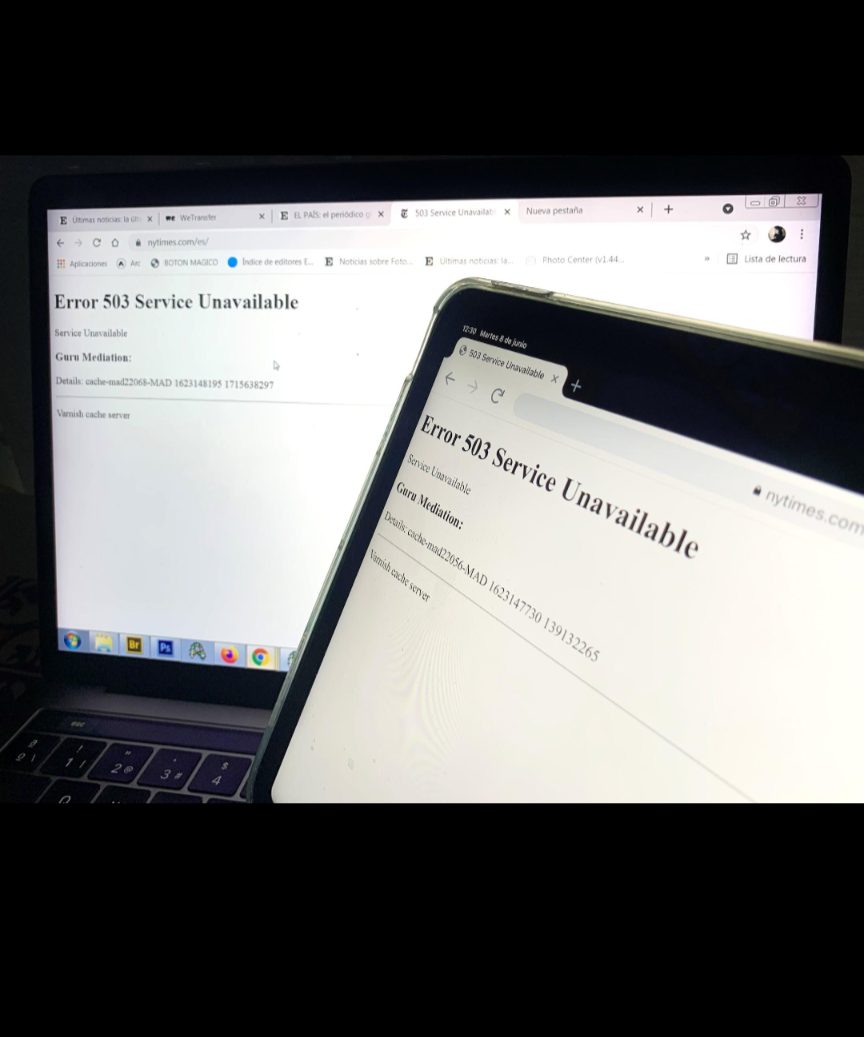
How to Spot a Fake Outage vs. a Real Service Problem
When a popular website, banking application, social media platform or internet service suddenly stops working, people often wonder what has happened. Is the service experiencing a genuine technical outage, is the problem coming from their internet connection, or could something more serious be happening?
In recent years, technology disruptions have affected businesses, governments and millions of internet users. However, not every service interruption is caused by hackers or cyberattacks. Many outages happen because of software bugs, server failures, network problems, maintenance or human error.
The Associated Press recently reported on several technology disruptions affecting major companies, including Microsoft, Apple and JPMorgan Chase. Some of these incidents were connected to technical failures and software problems rather than cyberattacks. These events demonstrate why people should verify information before drawing conclusions.
Fortunately, there are three simple ways to check whether an outage is real.
- Check the Company's Official Status Page
The first and most important step is to visit the official status page of the affected service.
Many major technology companies provide status pages where they publish information about service interruptions, maintenance and technical problems. These pages help customers understand whether a company is experiencing an issue and which services are affected.
For example, Google provides a Workspace Status Dashboard where users can check the availability of services such as Gmail, Google Drive and Google Meet. Microsoft also provides service-health information for its products.
When checking a status page, pay attention to three important details:
- Current service status: Check whether the company reports an outage, degraded performance or normal operations.
- Affected regions: Find out whether the problem affects one country, several regions or users worldwide.
- Latest updates: Check when the company last published information and whether the situation is improving.
Remember that an official status page may not immediately show a new problem. Companies sometimes need time to investigate and confirm an incident. Therefore, a normal status indicator does not automatically mean that every customer can access the service.
- Compare Reports From Multiple Regions
Another useful method is to check whether people in different locations are experiencing the same problem.
Sometimes an internet connection or device develops a problem that affects only one person. However, when users in different cities or countries report similar difficulties at approximately the same time, there may be a wider service disruption.
Websites such as Downdetector collect reports from users experiencing problems with different online services. These reports can help identify unusual increases in complaints.
For example, if you cannot access a banking application, check whether other customers are reporting similar difficulties. You can also try accessing the service using another device or a different internet connection.
Here are three useful comparisons:
- Try switching from Wi-Fi to mobile data.
- Check whether the same service works on another device.
- Compare reports from users in different locations.
If the service fails across several devices and networks, the problem may be beyond your personal device or connection.
However, remember that user reports are not official confirmation. A sudden increase in complaints is an indication that something might be wrong, not proof of a cyberattack or the exact cause of an outage.
- Look for Official Company Announcements
Social media can spread information about outages very quickly. Unfortunately, it can also spread rumours, misleading screenshots and unverified claims.
When an outage occurs, check the company's verified social media accounts, official announcements and support channels.
Look for statements explaining:
- When the problem started.
- Which products or services are affected.
- Whether engineers are investigating the issue.
- Whether a temporary solution is available.
- Whether the service has been restored.
Do not rely entirely on screenshots or messages shared by strangers. A screenshot may be outdated, edited or taken from an unrelated incident.
If the company has not confirmed the cause, avoid describing the incident as a cyberattack. A service interruption alone does not establish that hackers are responsible.
What Should You Do If the Outage Is Real?
If the company confirms an outage, the best response is to remain patient and follow official updates.
Repeatedly changing your device settings or installing unfamiliar applications will not necessarily solve a problem affecting the company's servers.
Instead, consider these steps:
- Follow the company's official status page for updates.
- Check whether the provider has announced an estimated restoration time.
- Use an alternative service if one is available and safe.
- Avoid repeating important payments or transactions without first checking whether the original transaction was completed.
- Keep important information and documents backed up where possible.
For example, if a banking application stops working, do not immediately repeat a transfer that appears unsuccessful. First, check your transaction history or contact the bank through its official support channels.
If your internet provider confirms a regional outage, restarting your router repeatedly may not help. Wait for the provider's updates or contact customer support if necessary.
What Should You Avoid When the Situation Is Unclear?
One of the biggest mistakes people make during an outage is believing every explanation they see online.
Avoid sharing unverified claims that a company has been hacked. Do not click suspicious links promising immediate access to an affected service. Never provide your passwords, banking details or verification codes to someone claiming to offer emergency outage support.
Also, avoid downloading unofficial applications or software that claim to restore a service. These downloads could expose your device and personal information to security risks.
If the company has not explained what happened, it is better to say that the cause is still under investigation.
Final Thoughts
Technology outages are becoming an important concern because people and businesses depend on digital services every day. A problem with one major provider can sometimes affect several other services that depend on the same infrastructure.
However, not every interruption is a cyberattack, and not every online report is accurate.
Before believing or sharing an outage claim, check the company's official status page, compare reports from multiple regions and look for verified announcements.
These three simple checks can help you separate a genuine service problem from a local connection issue or an online rumour.
The most important rule is simple: verify first, stay informed and avoid spreading unconfirmed information.
Sources
Version 1.0. Kobo Daily stories are edited before publication and updated as facts change. Spotted an error? Tell our editors.